
Private by design
Your accounts and notes stay in your protected workspace.
Territory mapping for education sales reps
Upload your account lists, visualize school districts and dioceses, and manage your territory across multiple states—all from one private workspace.
LoginYour territory
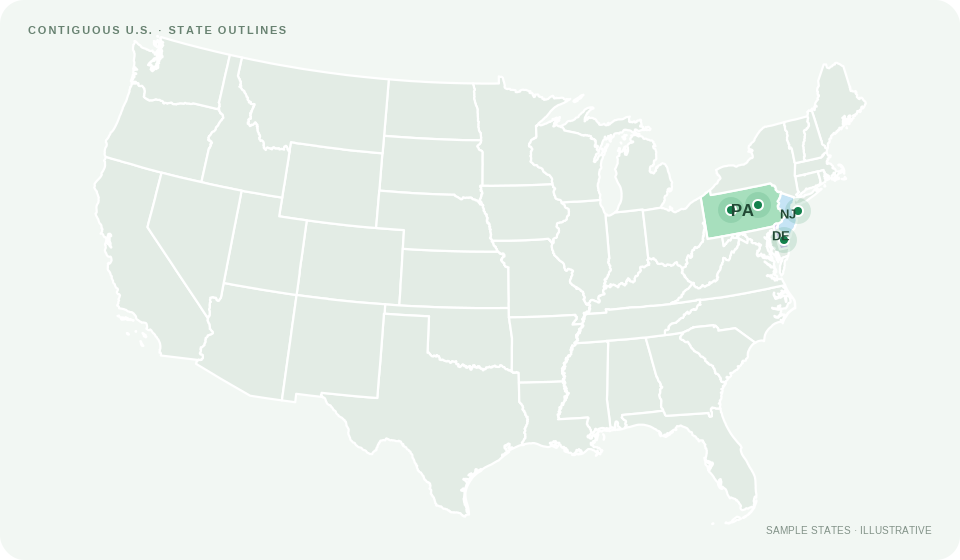
Map overlays and account details are illustrative. Boundaries shown here are schematic, not official district or diocesan data.
Your accounts and notes stay in your protected workspace.
Bring the states in your territory together on one map.
See account locations and geographic context side by side.
Built around your territory
Keep the map, the account, and the next step connected.
Keep your account list and territory details in your own protected workspace.
Bring in the lists you already use and review them in your territory workflow.
View public-school district and Catholic diocesan geography alongside accounts.
Move between the states you cover without losing the full territory picture.
Keep private context close to the school or organization it belongs to.
Find accounts and keep your working territory clear and easy to navigate.
A simple way to stay organized
Bring in an account list from a CSV or Excel file.
See accounts and territory geography in a connected view.
Keep account details and private notes together as you work.
Your territory, in focus